
Navigating Color-Coded Pathways
Each puzzle in Color Path Microbe Logic Quest presents a spatial arrangement where a microbe must reach an exit point. You move the organism using directional inputs, and the challenge lies in reading the layout and predicting how it will interact with each element. Some puzzles add moving barriers or timed elements, shifting the focus from quick reactions to careful planning. The logic is about understanding the board, not rushing.
Three Modes, Three Rhythms
Story mode follows a narrative thread where fixed levels gradually increase in complexity, unlocking one after another. Survival mode generates platforms randomly, asking you to keep the microbe moving without falling off, aiming for the longest run. Create mode provides building blocks to design your own puzzles, which can be saved and shared with other players.
Visual Clarity and Accessible Controls
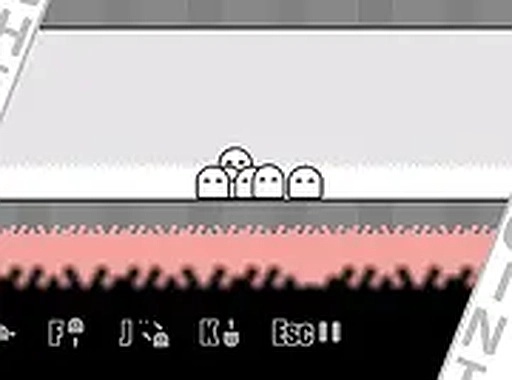
Bright colors and simple shapes make each puzzle element easy to distinguish. The interface uses minimal text and intuitive icons, which suits younger players or anyone who prefers a straightforward presentation. The game runs in a web browser on desktop and mobile, with full-screen support. Controls respond to keyboard arrows on a computer or taps on a phone or tablet.
Designing and Sharing Puzzles
The level editor extends the game beyond its built-in content. You can experiment with different puzzle pieces to craft levels ranging from simple to highly complex. Sharing these creations lets others try your designs, and playing community levels can inspire your own approach. This exchange keeps the puzzle selection growing over time.
Progression and Replay
Story mode progresses linearly, with a gentle difficulty curve that helps new players build confidence. Survival mode tracks personal best scores, offering a different kind of progression. There are no in-game purchases or ads that interrupt play. The combination of a structured story, an endless challenge, and a creative tool gives players multiple reasons to return.








Editorial Notes