
Matching Arrows to the Beat
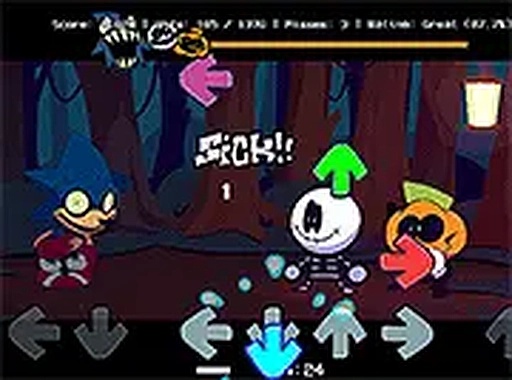
Melody Beat Challenge is built around a simple loop: arrow symbols appear on screen, and you press the matching keyboard keys in time with the music. Accuracy earns points. Each song has its own note pattern, so you cannot rely on muscle memory from one track to carry you through the next. The challenge comes from reading the cues quickly while staying locked to the rhythm.
Opponents and Musical Variety
Rounds are structured around opponents, and each one brings a distinctive musical pattern. That design choice matters because it prevents the game from feeling like a single repeating chart. You face a different sequence of cues with each opponent, which adds replay value and keeps the experience from becoming predictable. The music itself is part of the difficulty: listening closely often gives you hints about when the next note is coming.
Controls, Setup, and Accessibility
The controls are deliberately straightforward. You use the keyboard to respond to the arrow prompts, and the game runs in a browser without downloads or installations. Full screen mode reduces visual distractions and can make it easier to focus on the note lane. Because the input method is basic, the skill ceiling comes from timing and coordination rather than complex button combinations. New players can start immediately, while experienced rhythm game players can chase cleaner runs and higher scores.
Building Consistency Through Practice
Missing notes early on is normal. The most useful approach is to start with simpler songs, learn how the arrows align with the beat, and gradually move to denser patterns. Short breaks help if frustration builds, because timing depends on focus. Over time, regular practice improves both reaction speed and rhythm tracking. The bright, colorful presentation and family-friendly design make the game approachable for a wide range of ages, but the scoring system still rewards players who put in the effort to tighten their accuracy.










Editorial Notes