
Open Roads, No Forced Routes
Highway Cruise 3D Explorer drops you into a large, detailed 3D environment where the road network is yours to interpret. There are no set paths or mandatory routes. You can stick to main highways, turn onto side areas, or simply cruise and take in the scenery. That freedom means each session plays out differently depending on whether you are heading somewhere specific or just enjoying the ride.
Car or Motorcycle: Two Distinct Feels
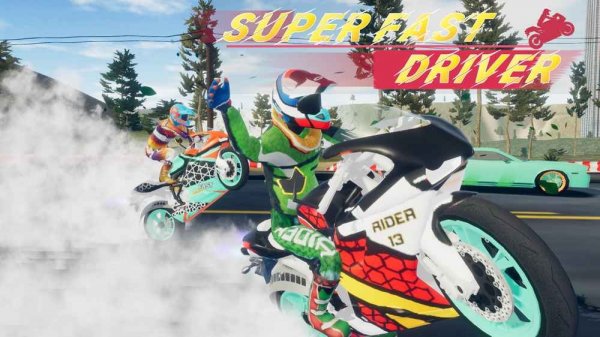
Before you start, you choose between a car and a motorcycle. The car offers stable handling and is forgiving on turns, making it a comfortable pick for players who want predictability. The bike feels more responsive and nimble, rewarding quicker inputs. A realistic physics model underpins both: you need to brake before corners and accelerate smoothly to maintain control. That adds depth without making the game hard to pick up.
Timed Challenges vs. Free Roam
Two main modes shape how you play. Time mode sets specific challenges where you must complete tasks or reach points within a time limit. This encourages learning the layout and improving your driving efficiency. Free mode removes all pressure, letting you explore the entire world without a clock or objectives. The balance caters to players who enjoy goals and those who prefer a casual experience.
Camera Work and Visual Design
The 3D graphics create a believable world with varied landscapes and roads. A dynamic camera follows your vehicle automatically, adjusting its angle based on your speed and direction. This helps you judge distances and corners more effectively. The camera never feels intrusive and enhances the sense of speed without causing disorientation. Fullscreen support is available to make the view more immersive.
Controls and Accessibility
Driving is handled entirely through the keyboard using WASD or arrow keys. A speed boost activates by pressing the Shift key, giving you a temporary burst of speed. The controls are simple enough for beginners to grasp within seconds, yet they allow for precise maneuvering once you become familiar with the physics. This accessibility ensures that players of all skill levels can enjoy the game without a steep learning curve.



Editorial Notes