
What Players Actually Do
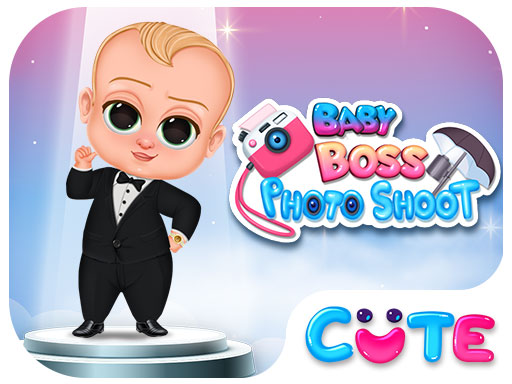
Baby Boss Style Studio centers on a single task: getting the Baby Boss ready for a campaign photo shoot. The game presents outfit categories—beach, skater, office, hip-hop, and superhero—and the player selects one as a starting point. From there, the process moves through clothing, hats, glasses, and other accessories. Each item changes the look instantly, so the feedback loop is immediate and visual rather than text-heavy. Because the game uses simple taps or clicks, even very young children can operate it without reading instructions.
How the Categories Shape the Experience
The five categories are not just labels; they steer the kinds of combinations a player will naturally try. A beach outfit invites lighter, more casual pieces, while the office category pushes toward formal choices. The superhero option opens up bolder, more playful accessories. This structure gives children a clear starting point without forcing a single correct answer. Switching between categories is part of the fun, and it encourages players to compare looks they might not have tried otherwise.
Photo Finish and Repetition
Once an outfit is complete, the player takes a photo to see the final result. That photo step matters because it turns a series of taps into a finished creation. Children can then play again, exploring different hairstyles, makeup options, and accessory combinations. Since there are no rules or time limits, the game supports repeated sessions without pressure. The emphasis stays on self-expression and imagination rather than winning or losing.
Who This Suits
This is a family-friendly title aimed at boys and girls who enjoy creative play. The lack of timers, scores, or fail states makes it accessible to younger children and to anyone looking for a relaxed, low-stakes activity. Parents looking for a safe environment where kids can experiment with fashion without judgment will find that the game's design directly supports that goal.




Editorial Notes